How it works
Setup once. Then the room does the work.
Set the apps once.
Build a preset
Pick the apps to block, once.
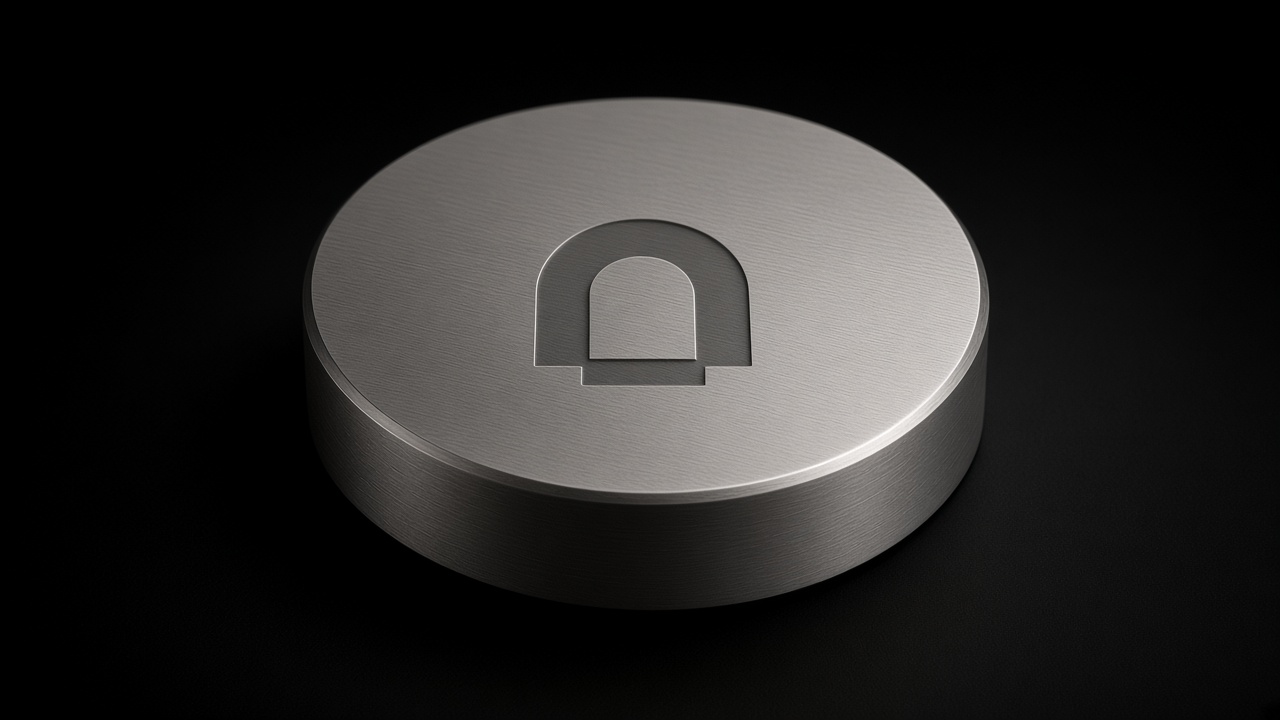
Come close
Bluetooth senses you near the Beacon.
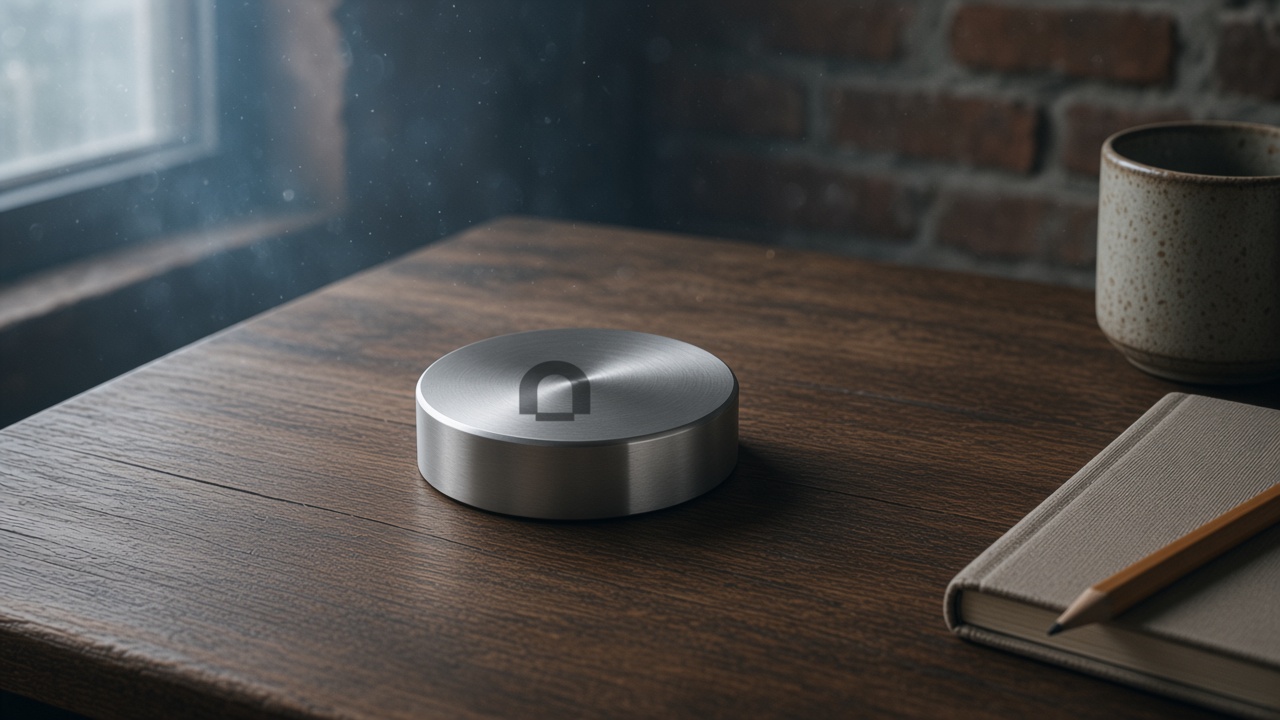
They disappear
Gone until you leave.
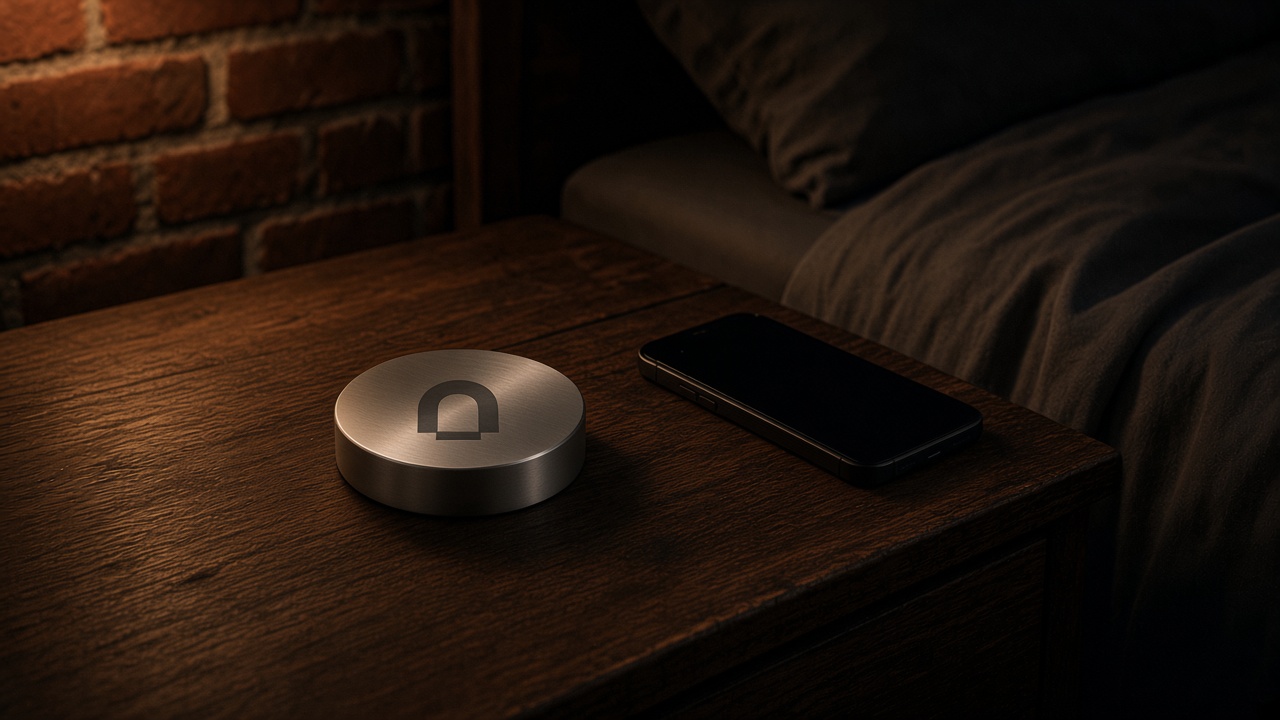
Setup once
In the app, pick the apps that cost you the most. That list is a preset. You can make more than one — work, sleep, the table you sit at with other people. You change the list when you are calm, not in the moment you want the feeds back.
Bluetooth, not a scan
Beacon talks to the phone over Bluetooth Low Energy. You do not hold the phone to it. You do not tap. You do not scan. If you have to remember to do a gesture, you can remember not to.
What close means
Close is the room you left the Beacon in — the desk, the nightstand, the table. We are not publishing a meter number. If you are next to it, the block is on. If you have left, the apps come back.
What happens when you leave
Walk away and the apps return. That is the product, and it is the honest line. Leave the Beacon behind and you have your phone back. Leave it where you work or sleep if you want the block to hold.
Leave it where you work / sleep
The object stays. You move. Put it on the desk you mean to use, or the nightstand you mean to sleep next to. You do not carry a switch in your pocket.
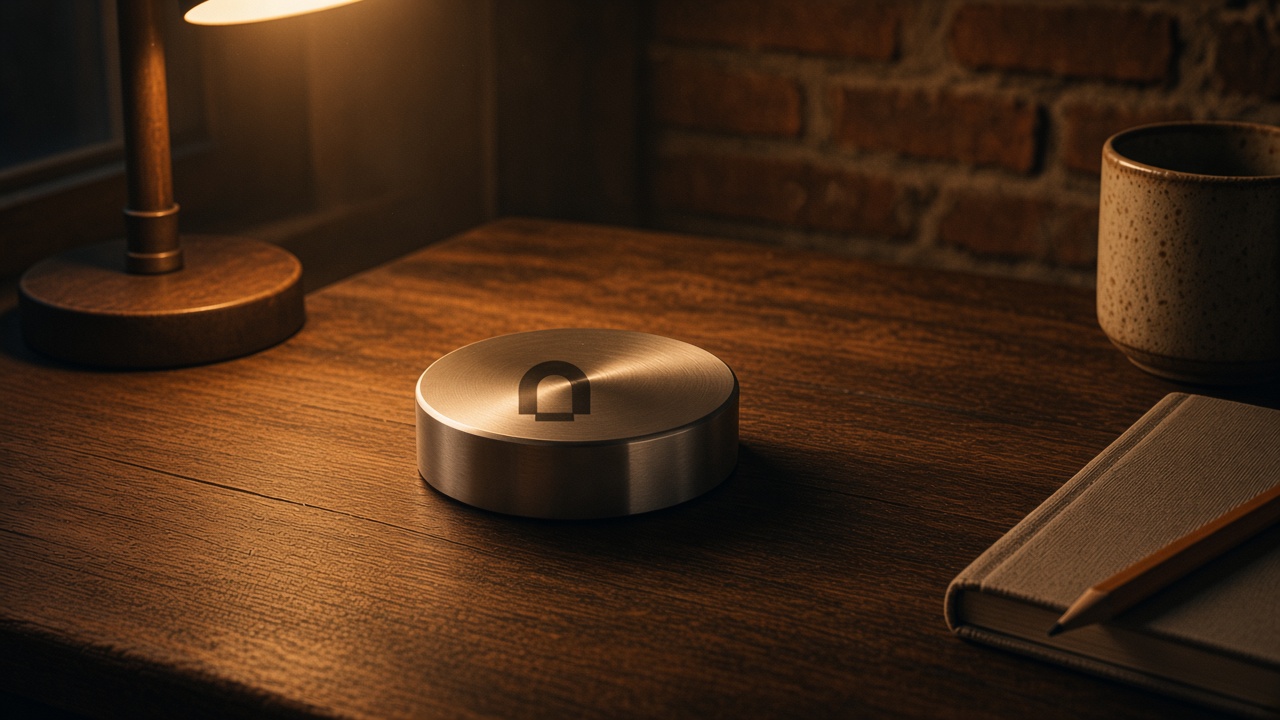
If you need the apps and you cannot leave
An emergency unlock is planned. It is not shipped. The point of a physical object is that the everyday way back is to leave the room, not to tap Ignore.
Cut the Noise.
Beacon is being built.
Leave your email.